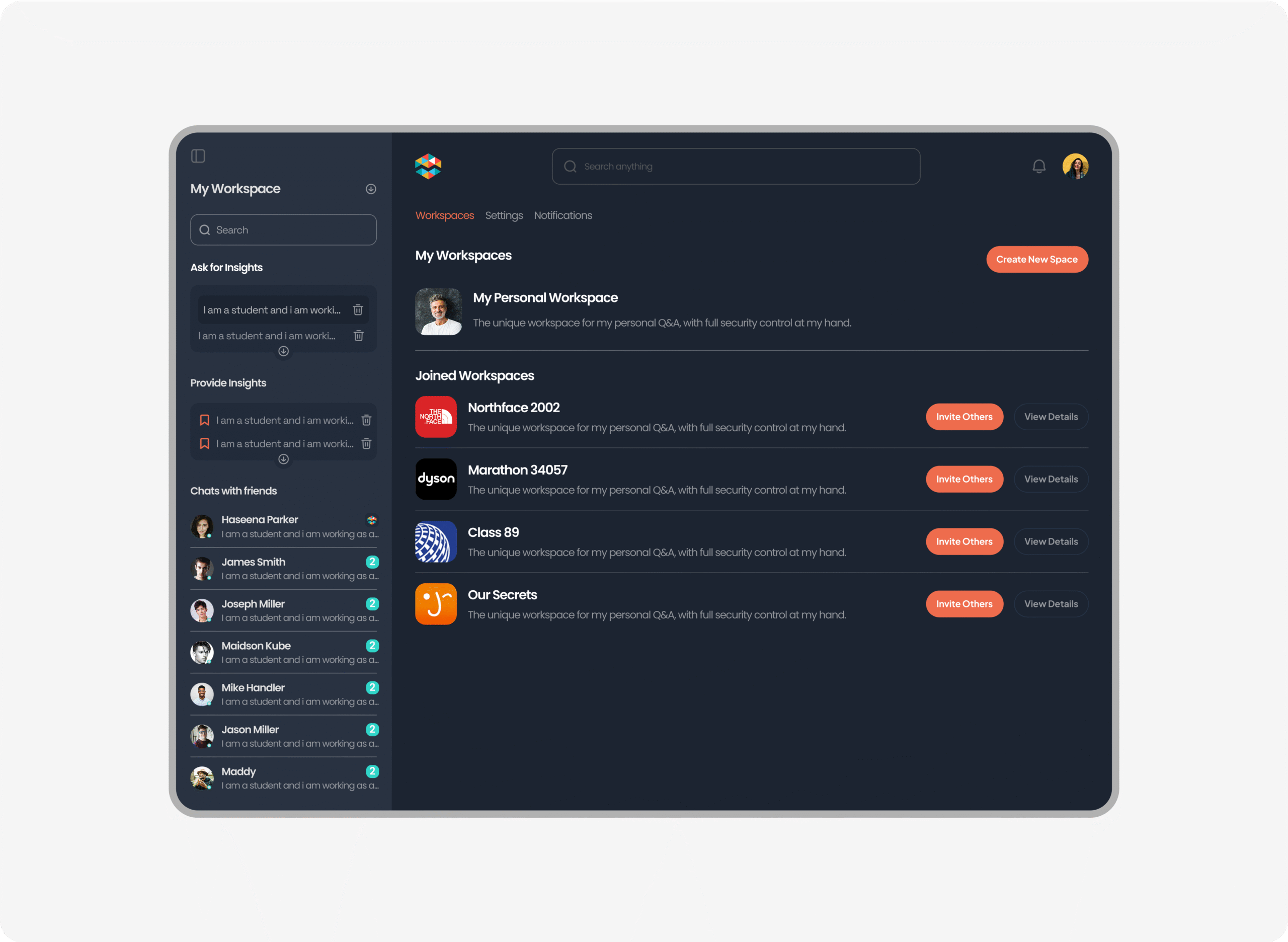
Human AI – A Collaborative Learning Platform Enhanced by Contextual AI
Human AI is a platform designed to help students and teachers collaborate in group workspaces while accessing contextual AI support. From role-based onboarding to chat threads and workspaces, I designed the system architecture, flows, and UI for a clean, scalable MVP experience.
Roles:
- UX Flow Mapping
- Product Architecture
- UI Design
- Role-Based Interactions
- Developer Handoff
- UX Flow Mapping
- Product Architecture
- UI Design
- Role-Based Interactions
- Developer Handoff
The Challenge
The client came with a clear vision: create an AI-enhanced collaboration tool where students can ask questions, form groups, and get contextual support from an AI assistant. However, due to strict deadlines and early-stage constraints, we skipped traditional UX research and moved directly into product structure and interface planning.
The platform needed to support
- Student-to-AI conversations
- Group workspaces and chats
- A clean UI with role-based logic and scalable flows
What I Took Ownership Of
As the lead designer, I was responsible for defining the platform’s structure, crafting user flows, and designing high-fidelity UI for both student and teacher experiences. I worked closely with the client to translate their product vision into an actionable MVP — one that could scale quickly, even without early-stage research.
Key responsibilities
- Defined core flows for students, teachers, and AI interaction.
- Mapped role-based onboarding and group workspace logic.
- Designed all high-fidelity UI screens for Human-AI.
- Established consistent layout, spacing, and modular components.
- Delivered developer-ready assets and annotated flows
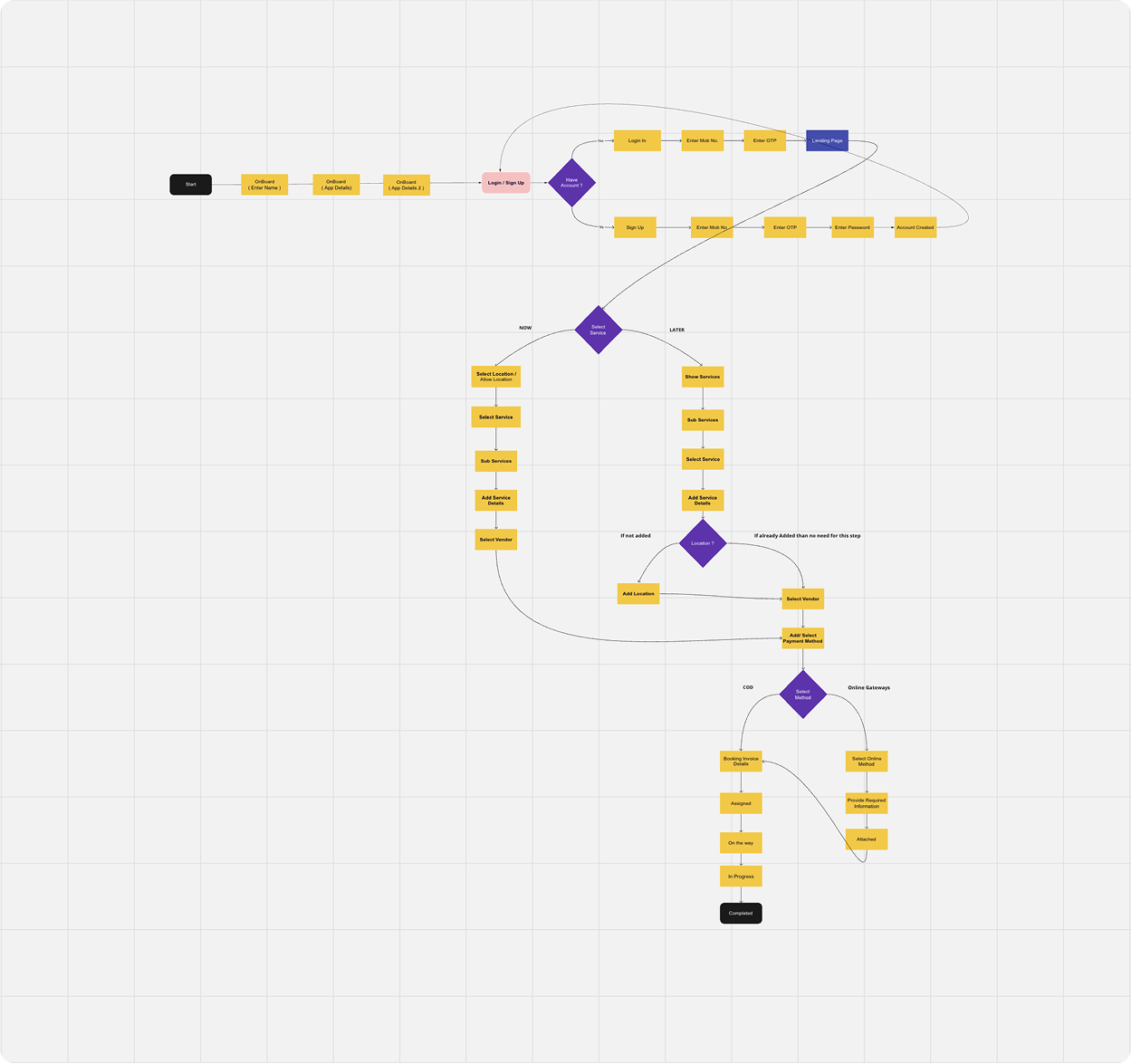
Product structure & user flows
Without a formal discovery phase, I focused on designing flows that could support clear collaboration and AI-assisted learning across different user types. The system needed to feel intuitive for students, structured for teachers, and smart enough to accommodate AI-driven conversations, all within a scalable, role-based environment.
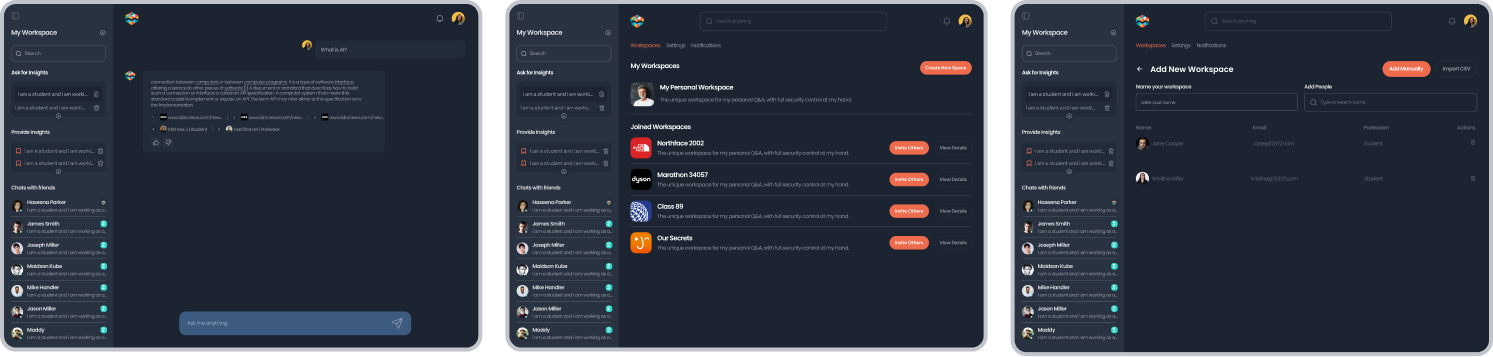
Wireframes & Design direction
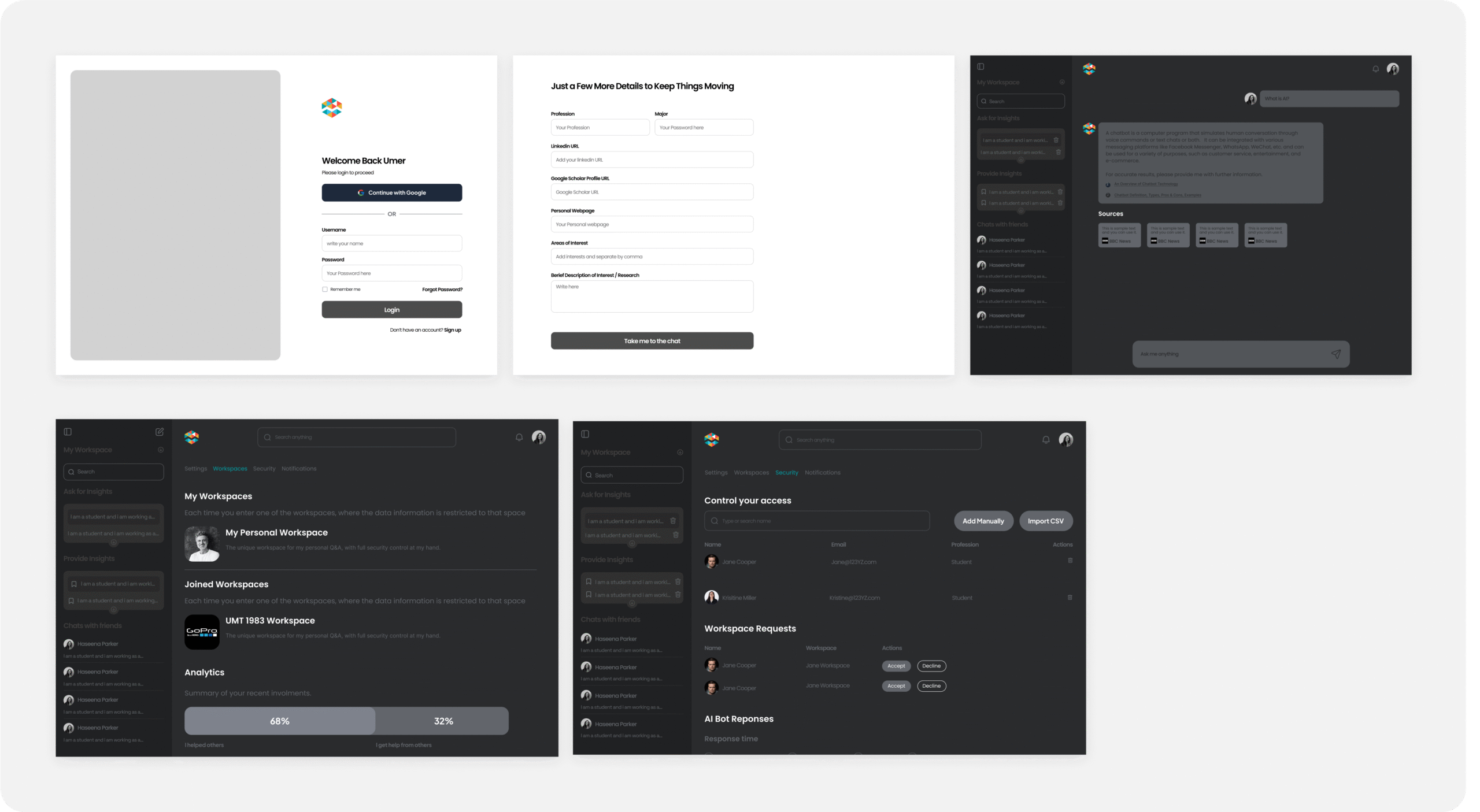
Once flows were mapped and roles clarified, I translated the system logic into mid-fidelity wireframes. This step helped align the client on layout hierarchy, navigation logic, and the dynamic behavior of group-based interactions before committing to visual styling.
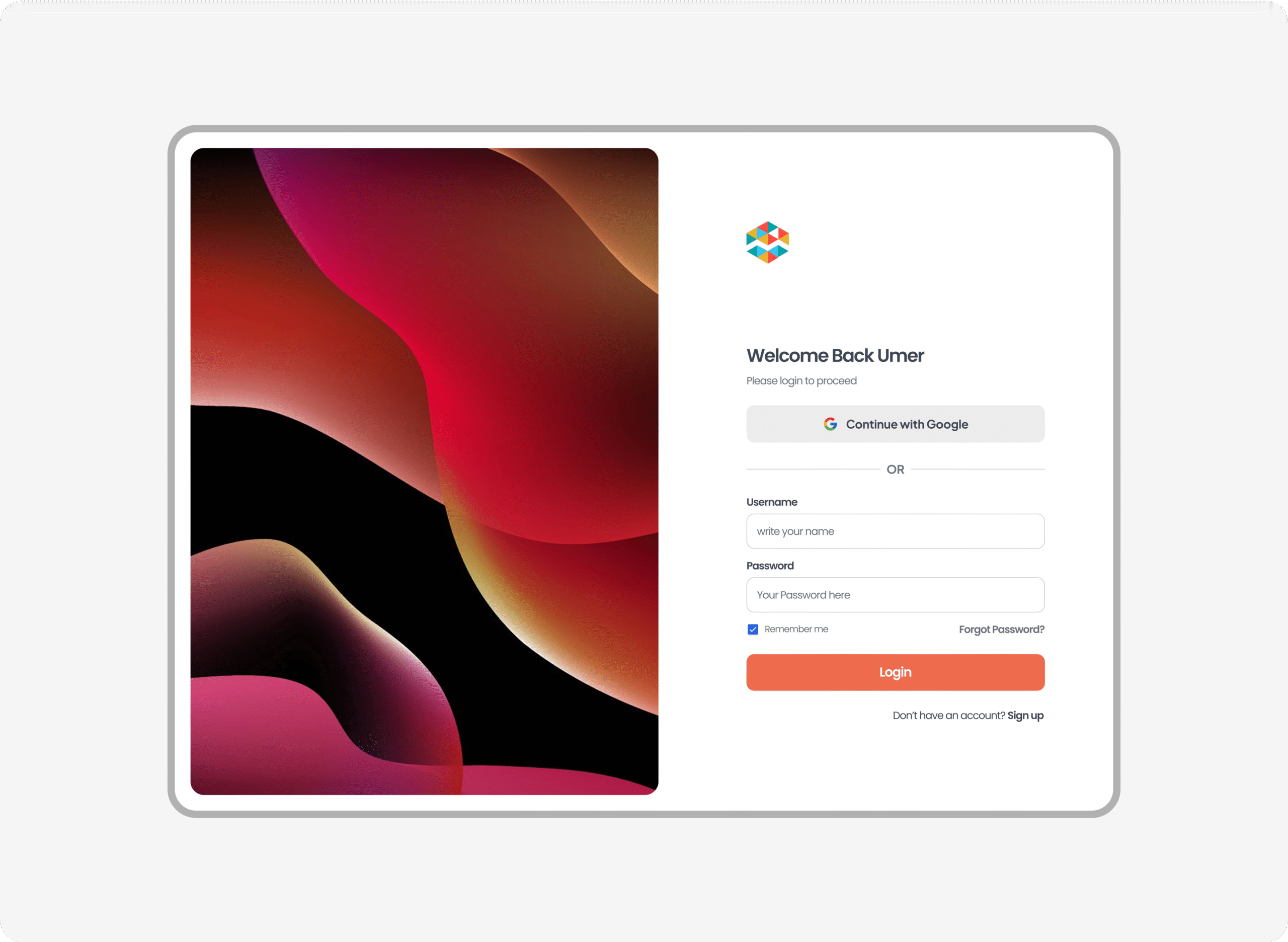
Onboarding
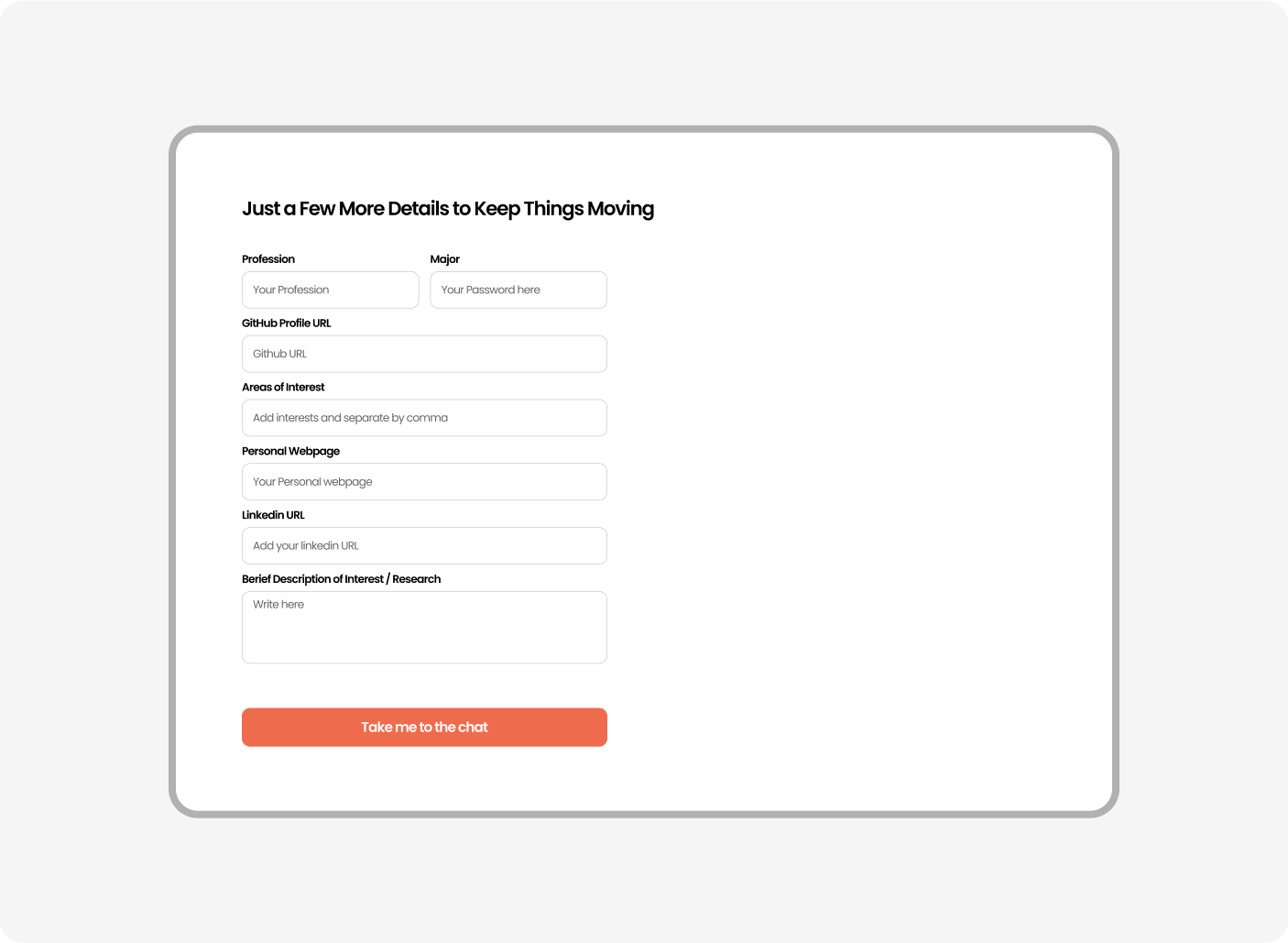
Information for signup
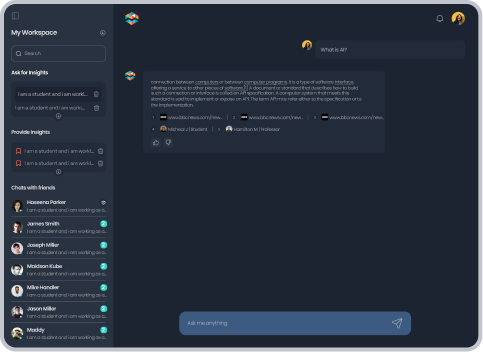
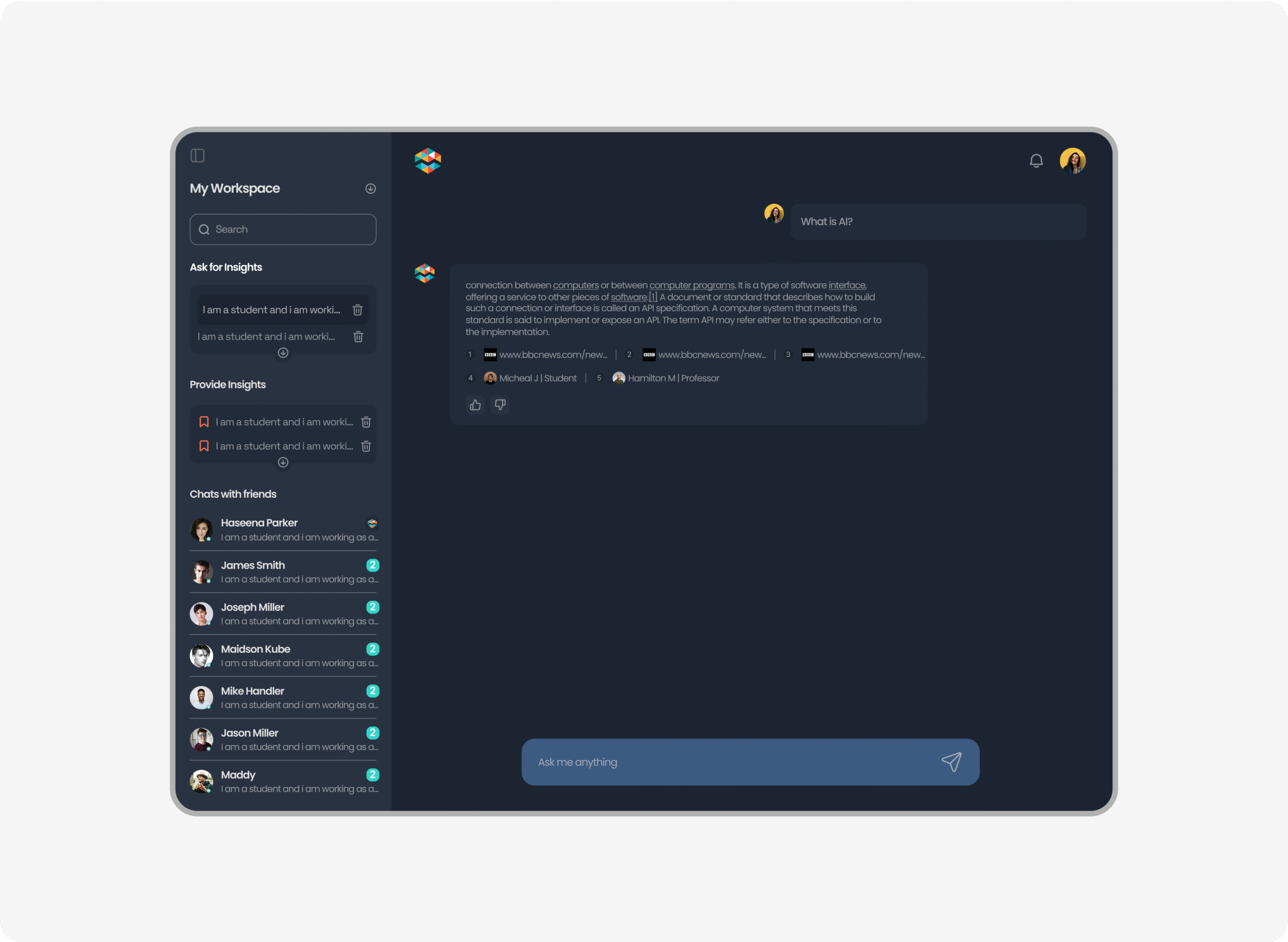
Landing & AI Assistance
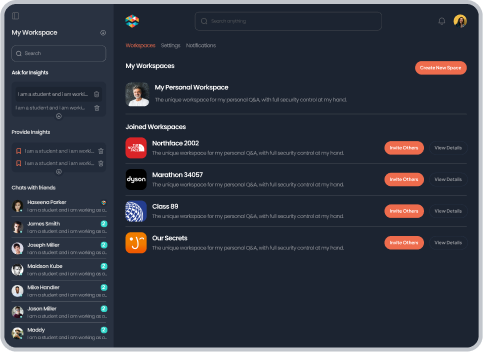
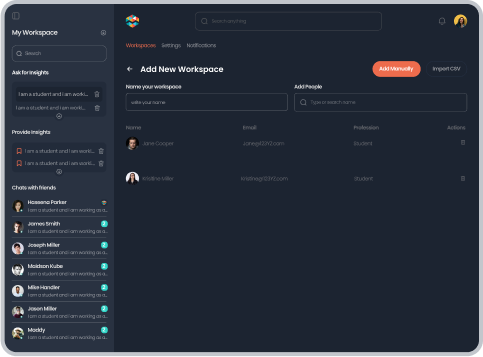
Managed Workspace GRoups
I am highly satisfied with both the quality of work and the timely delivery. He appreciated how we consistently put ourselves in the users’ shoes—ensuring every design decision was grounded in real user needs and context.